
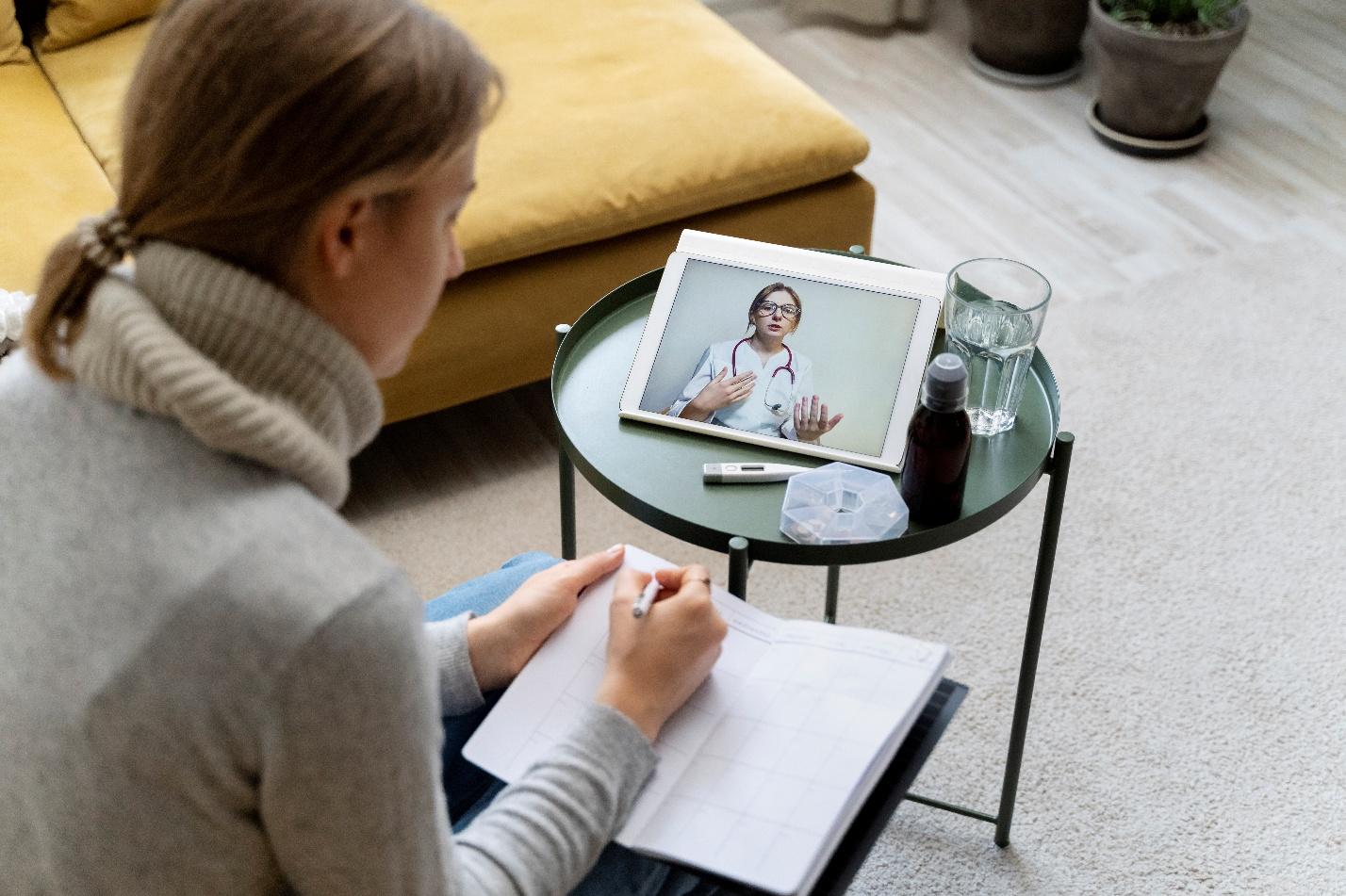
You might have heard friends rave about virtual counseling yet still feel unsure what actually happens once you click “Join Session.” Think of this article as your backstage pass: by the end you’ll know how a session flows, the gear you need, and how to decide if screen-to-screen care fits your life. Because first times can be nerve-racking, we’ll keep things conversational and reassuring—no dense clinical jargon, promise.
Online therapy isn’t just a pandemic workaround; it’s a mainstream option licensed clinicians use every day across time zones. Meeting from the comfort of your couch or even a parked car means fewer barriers between you and support. And spoiler alert—research shows remote counseling works as well as in-person care for many issues.
Step-by-Step Session Guide
A teletherapy (https://www.psychology.org/resources/how-does-teletherapy-work/) hour feels familiar after the first five minutes, but there is a rhythm. Picture the experience like entering a cozy online office: the door is your encrypted video link and the waiting room is your device screen.
- Check-in (≈2 min). Your therapist confirms name, location, and an emergency contact, following APA telepsychology guidelines.
- Tech & privacy check (≈3 min). Camera, mic, and connection get the once-over so your conversation stays private.
- Warm-up chat (≈5 min). Small talk helps you settle, just as if you were walking from reception to a couch.
- Core work (30-40 min). You practice coping skills, process emotions, or review homework. Large-scale studies show remote therapy reduces anxiety and depression as effectively as face-to-face care.
- Wrap-up & next steps (≈5 min). Together you set homework, confirm safety plans, and schedule the next visit.
Those final minutes matter: they give you a clear takeaway and prevent the “video-call fade-out” that sometimes happens when people simply click Leave Meeting.
What Technology Do I Need?
If you can video-chat with relatives, you’re already halfway there. A laptop or tablet with a webcam and speakers works best; phones are fine for quick follow-ups, though a stable surface avoids shaky-cam fatigue. Aim for broadband speeds of at least 25 Mbps down and 3 Mbps up to keep video crisp—higher if multiple devices share your Wi-Fi. A simple ring light and wired earbuds can further boost comfort and clarity for these confidential online sessions.
When choosing software, look for HIPAA-compliant platforms such as Doxy.me, Zoom for Healthcare, VSee, or SimplePractice, all of which encrypt calls end-to-end. These tools meet federal privacy standards, so your digital mental health conversations stay protected.
Many clinics in online therapy Texas directories now run hybrid practices—see one example below to get a feel for location and service area:
Is Teletherapy Right for Me?

Think about your lifestyle puzzle pieces. If you juggle long commutes, childcare, or rotating work shifts, video telehealth can slide into calendar gaps where an in-person visit never could. People in rural zones gain faster access to remote therapy without a two-hour drive, while clients with mobility challenges appreciate skipping crowded waiting rooms. Still, certain situations—like inpatient detox or acute psychiatric crises—require on-site supervision. When in doubt, consult a licensed professional; APA guidance urges matching treatment mode to clinical need. Remember, you can blend formats too: some folks start virtually, then schedule occasional office check-ins for variety.
Common Myths Debunked
Many first-timers hesitate because of half-truths floating around the internet. Let’s clear the air before they stall your progress:
- “It’s less effective than face-to-face.” Current research shows comparable—or sometimes better—outcomes for depression, PTSD (see here for more info), and anxiety when sessions happen online.
- “My data isn’t safe online.” Certified platforms sign Business Associate Agreements and use advanced encryption, protecting every byte.
- “Insurance won’t cover it.” Most U.S. insurers now reimburse telehealth at parity with office visits, thanks to recent federal rule updates and state payment-parity laws.
- “I’ll feel disconnected.” Therapists train specifically to build rapport through screens, using eye-line tricks and interactive tools.
- “Only tech-savvy people can use it.” If you can join a Zoom wedding, you can navigate an encrypted therapy room in minutes.
Bust those myths, and the idea of video-based care starts feeling surprisingly ordinary.
Setting Realistic Goals
Great therapy starts with clear aims. During your first few meetings, choose one or two measurable targets—maybe “reduce panic attacks from weekly to monthly” or “sleep seven hours a night.” Use the SMART framework: specific, measurable, achievable, relevant, and time-bound. Revisiting objectives every few sessions keeps virtual counseling purposeful, prevents drift, and provides motivating proof of progress. Many clients also track mood or stress scores in secure apps between visits, turning each remote touchpoint into a data-rich check-in and strengthening long-distance accountability.
Curiosity is the first step toward change. Now that you’ve explored session flow, tech needs, and the facts behind this rapidly growing model of care, you can decide confidently whether remote therapy belongs in your wellness toolkit. When you’re ready, test your setup, book that first appointment, and give yourself permission to grow—one confidential click at a time.

Comments are closed.